
The ApplyRight app
Your job search in one place
Follow every application we submit for you, message your consultant, review your CV and LinkedIn drafts, book meetings and see your reports and insights, all in one app.
Already a client? Download the app
For ApplyRight clients. We email your invitation after your onboarding call.

Already a client? Download the app
For ApplyRight clients. We email your invitation after your onboarding call.
Take the tour
Everything in the app



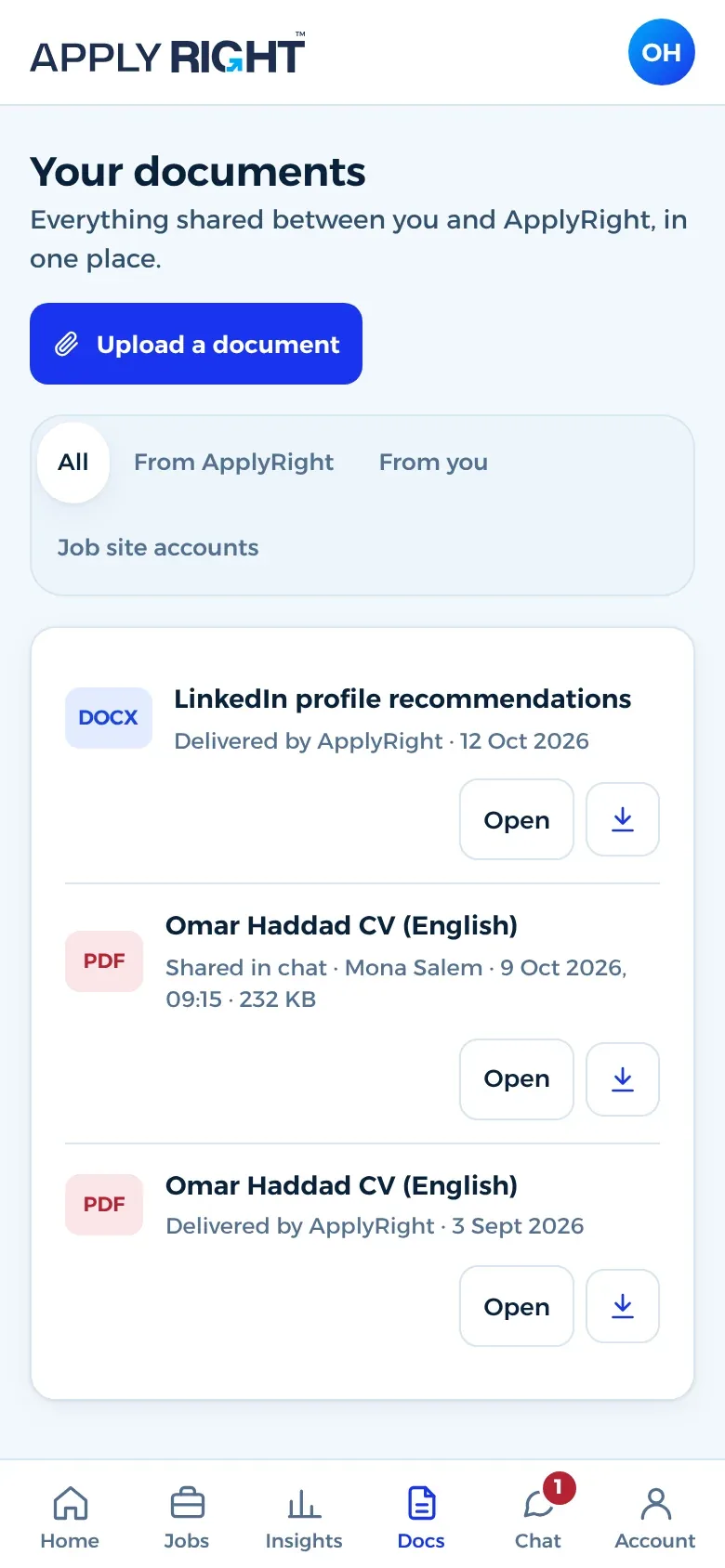
Your package, the week you are in and your next steps.
Always in the loop
You never have to ask for an update
You follow your job search as it happens, without chasing anyone.
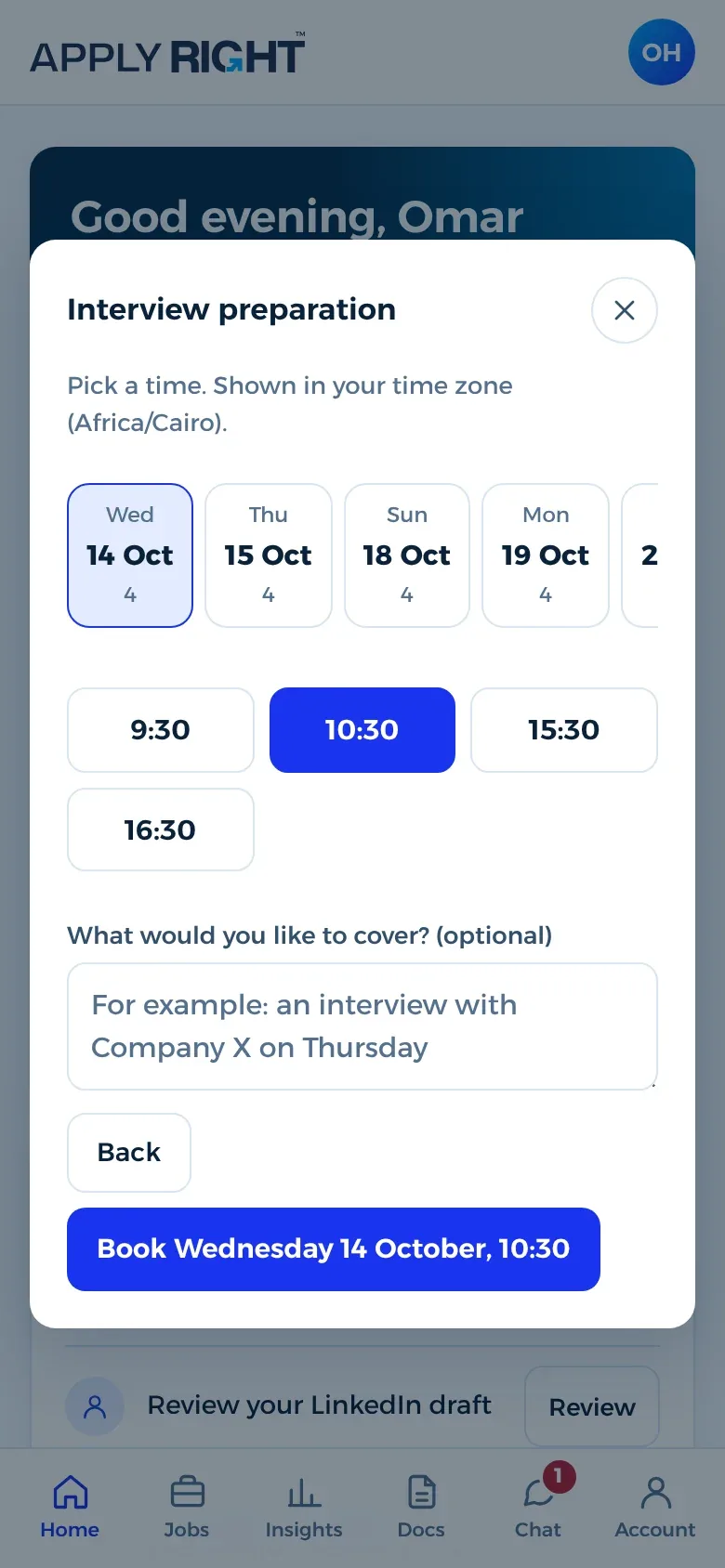
Next week: more roles in Riyadh and Jeddah, and your interview preparation session on Wednesday.
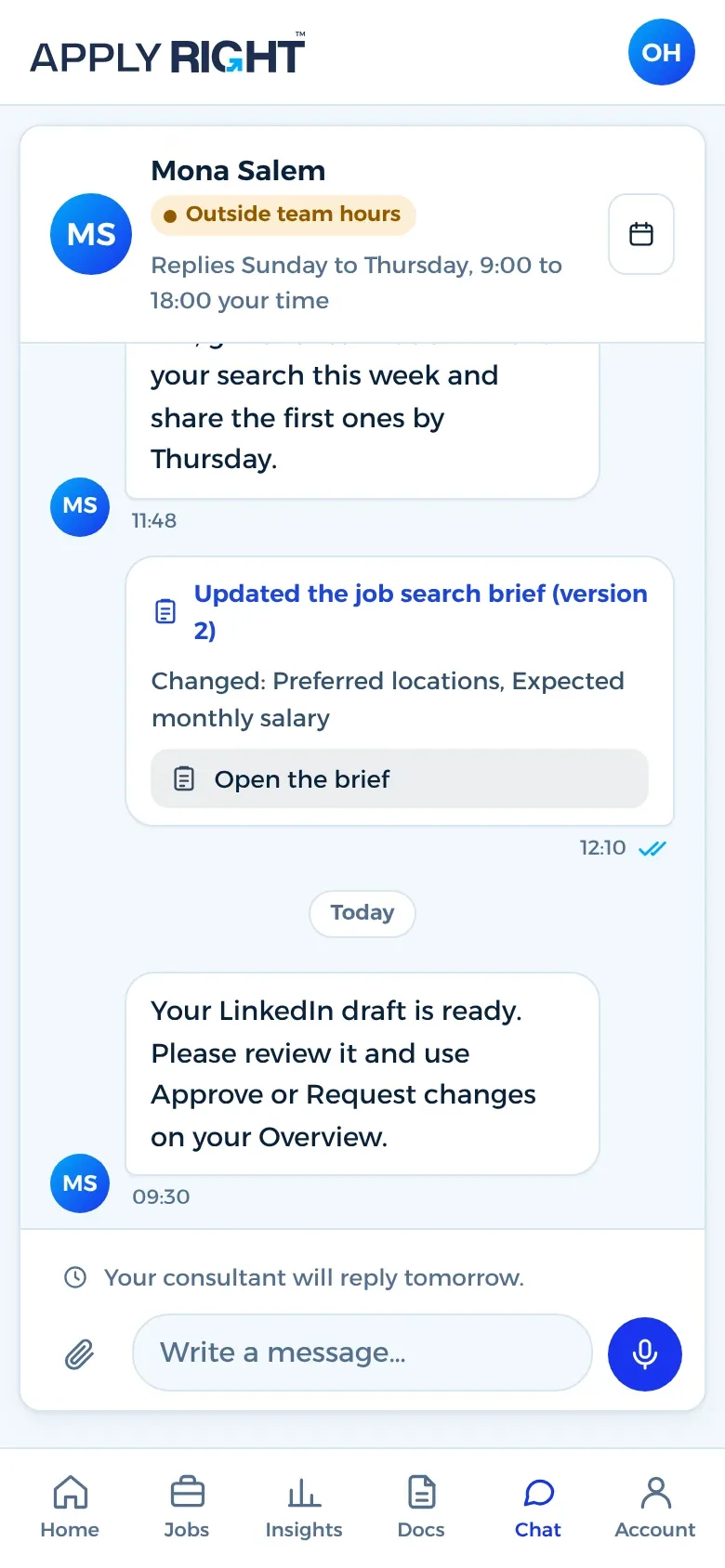
Chat
Your consultant, one tap away
You are never on your own. Message your consultant whenever something is on your mind, share a file or book a call, and hear back from a real person who knows your job search inside out.
Hi Omar, your CV draft is ready. Have a look when you can.
CV draft, version 2Thanks, Mona. Should I add my PMP certificate?
Yes, I will add it under Certifications and send the update today.
- Meeting bookedInterview prep, Wed 10:30
Drafts
Approve your CV and LinkedIn in a tap
Your consultant sends each draft to the app. Approve it, or ask for changes, right there.
Hi Omar, your new CV is ready. Please review and approve it so we can start applying.
Approved, thanks Mona 👍
I have sent you a few changes.
✓✓ Read
Job site accounts
Your job site logins, safe in one place
When we set up your profiles on job sites such as Bayt, GulfTalent and LinkedIn, the logins are kept encrypted in your app. Only you and your team can see them, and you can change a password at any time.
- Baytomar@example.com
•••••••• - GulfTalentomar@example.com
•••••••• - LinkedInomar@example.com
••••••••
Insights
See where your applications go
How many applications we submit each week, where they stand and which cities they go to.
240 applications
Applications per week
Where applications stand
- Submitted193
- Employer responded13
- Interview stage5
- Not progressed29
By city
- Riyadh117
- Jeddah48
- Dammam26
- Dubai25
- Other24
Languages
In English and Arabic
The app works in English and Arabic, right to left, on iPhone, Android and the web at portal.applyright.net.
Getting started
Ready in three steps
- 1
Your package starts
Once you buy your package, your consultant sets up your account.
- 2
You get an invitation
Your invitation email arrives with your personal sign-in link.
- 3
Download and sign in
Use your email and password, an email link, Google or Apple.
Prefer your computer? Everything is also at portal.applyright.net
Questions
About the app
I have not received my invitation. What do I do?
Message us on WhatsApp and we will send you a new link.
Why does Google or Apple sign-in not work for me?
It works only with the same email address we have on file for you. Use that address, or sign in with your email and password.
How do I turn notifications on or off?
In the app, go to Account, then Notifications.
How do I delete my account?
In the app, go to Account, then Delete account. We confirm by email and then delete your account and your personal information.
What if I have a technical problem with the app?
Tell your consultant in the app, or message us on WhatsApp, and our team will look into it and fix it as quickly as possible.
Reviews
What clients say about ApplyRight
- “The team is super responsive, sends updates constantly, and actually cares about the results.” Mazen AlZahrani
- “Thank you for supporting me, the team was really helpful all the way.” Aisha Ammar
- “I got multiple interview invites after working with them” Bushra AlOlayan
- “The team is professional, friendly, and very efficient” Rami Harbi
- “I had a great experience with ApplyRight!” Mohamed Fares
Hand us your job search today
One free call is all it takes. We listen, we plan, and from day one you see every step in the ApplyRight app.